
Choosing a reliable display touch LCD manufacturer helps businesses develop customized interfaces for industrial equipment, commercial terminals, and interactive devices. However, OEM projects require more than standard screen specifications. They also involve touch accuracy, interface compatibility, mechanical integration, power consumption, and environmental protection.
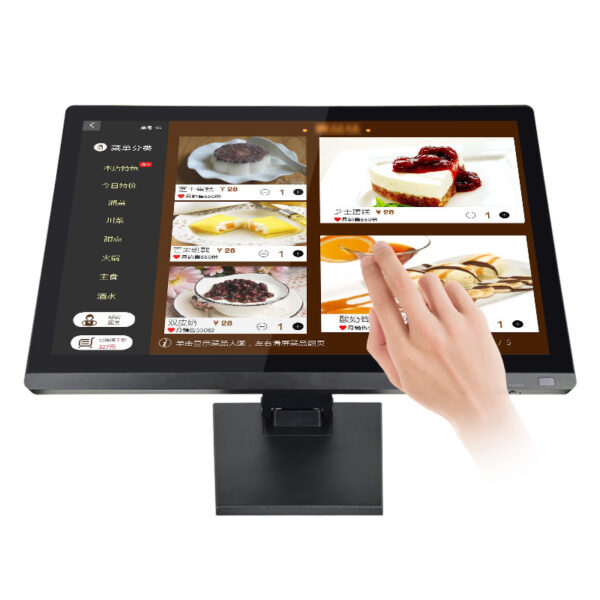
Therefore, manufacturers must understand the application before recommending a display configuration. A 15.6-inch touch LCD monitor provides a practical starting point for projects requiring a wide display and multi-touch interaction.
With 1600 × 900 pixel resolution and ten-point capacitive touch, this monitor supports various application requirements. Additionally, its VGA, HDMI, and USB interfaces simplify integration with compatible host systems.
How Can a Display Touch LCD Manufacturer Meet Different OEM Requirements?
Different equipment requires different display configurations. For example, industrial control panels prioritize reliable operation, while commercial terminals emphasize intuitive interaction and clear visual presentation.
Consequently, OEM buyers should define their installation environment before selecting a display. They should also evaluate viewing distance, available mounting space, brightness requirements, and expected operating conditions.
Customize Display Specifications Around Real Applications
A professional display touch LCD manufacturer evaluates these factors before confirming a configuration. Moreover, engineers should check the relationship between screen dimensions, resolution, and interface requirements.
The 15.6-inch model offers a native resolution of 1600 × 900 pixels. It displays 16.2 million colors and provides a nominal luminance of 250 candelas per square metre.
These specifications suit applications requiring a widescreen interface and moderate brightness. However, outdoor installations or strong ambient lighting may require higher luminance.
Therefore, buyers should confirm visibility under actual operating conditions. This approach helps prevent specification mismatches during product integration.
Explore our LCD Display Product Category for available display configurations and OEM options.

How Can OEM Touchscreens Improve Interface Compatibility?
Touchscreen compatibility depends on more than the panel itself. Instead, developers must consider the host operating system, connection interfaces, driver support, and application software.
For example, a self-service terminal may need reliable multi-touch input. Meanwhile, an industrial controller may require communication interfaces compatible with existing hardware.
Match Touch Technology With the Host System
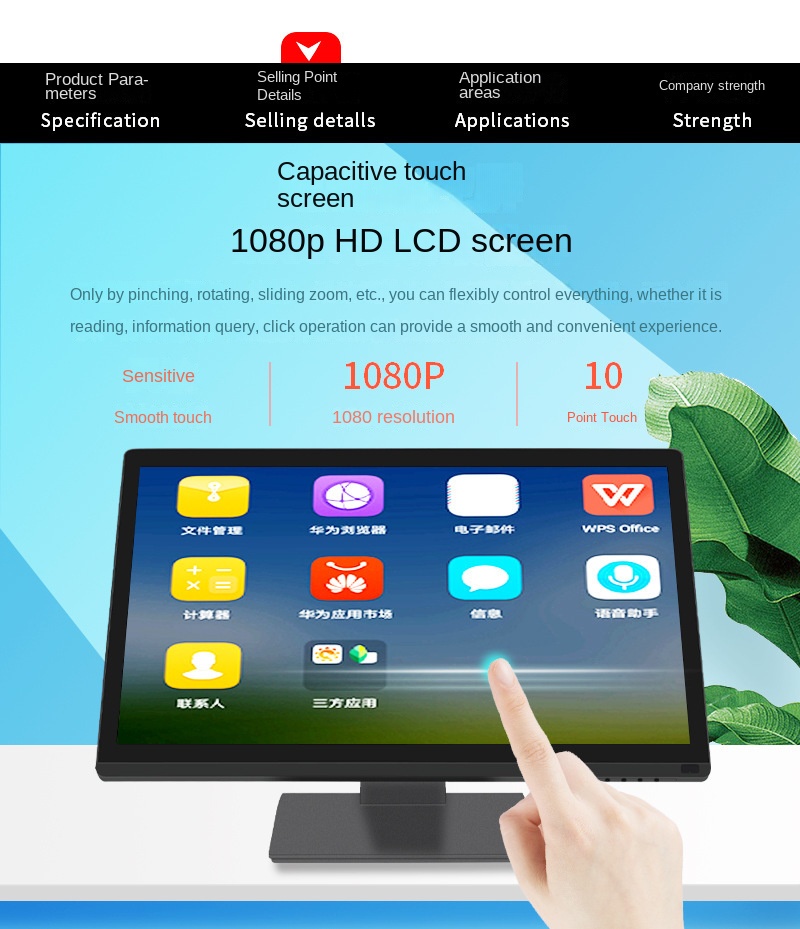
The featured monitor uses capacitive touch technology and supports up to ten simultaneous touch points. Therefore, it can support gestures and multi-finger interaction when the host system and software provide compatible support.
The monitor offers VGA, HDMI, and USB connections. Additionally, an RS-232 interface is available as an optional touch interface.
VGA and HDMI primarily support video transmission. Meanwhile, USB typically carries touch input data, depending on the selected configuration.
The supplier lists support for Windows, Linux, macOS, Android, and Raspberry Pi platforms. However, integration still depends on drivers, interface implementation, and operating system versions.
Consequently, OEM teams should test the complete hardware and software combination before mass production. Early compatibility checks can reduce integration delays and unnecessary engineering revisions.
Visit our Technical Guide for display integration considerations and interface selection guidance.
How Should OEM Buyers Evaluate Power Consumption and Protection?
Power consumption and environmental conditions influence display selection. For battery-powered equipment, energy efficiency can affect operating duration. Similarly, dust and water exposure can affect equipment design requirements.
However, buyers should assess these factors against the actual application. A desktop terminal and a factory-mounted control panel may require different protection measures.
Verify Power and Environmental Performance
The product description states that power consumption can reach approximately 40% of conventional displays. However, the reference product, test conditions, and operating settings require confirmation.
Therefore, OEM buyers should request measured power consumption under defined conditions. They should also confirm standby consumption and the host system’s total power budget.
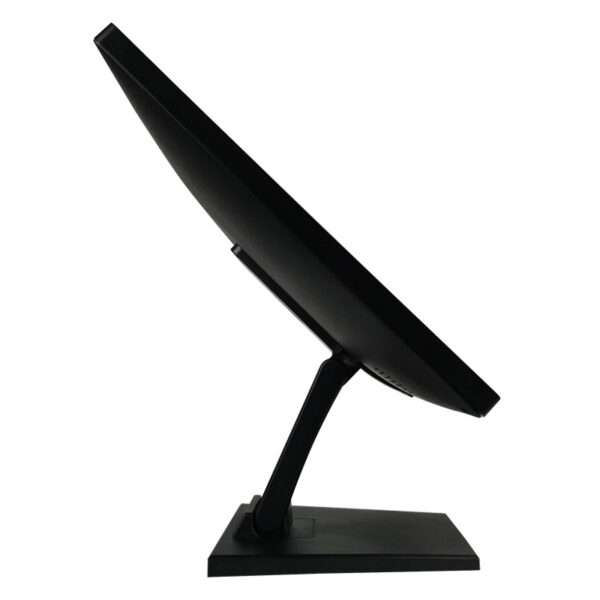
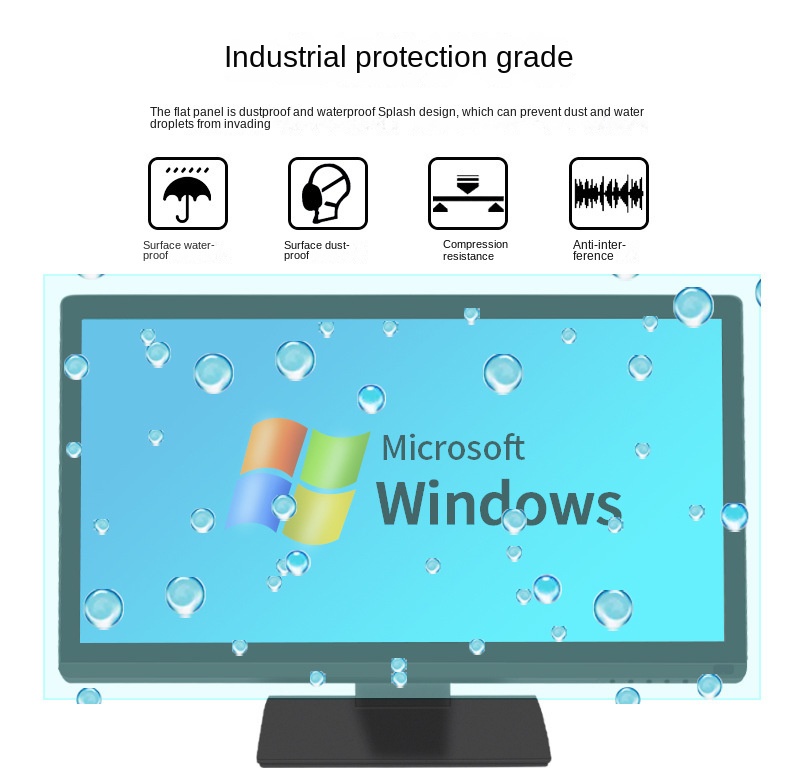
The monitor also features a flat surface designed to resist dust and splashes. Additionally, its construction addresses practical requirements involving surface contamination and routine cleaning.
Nevertheless, the supplied specifications do not establish a specific IP rating. Therefore, buyers should request validated test reports when a defined ingress protection level matters.
Mechanical durability also requires application-specific evaluation. For example, vibration, compression, and electromagnetic interference may affect different installation environments.
Consequently, OEM projects should define relevant test conditions before production approval.
Which Technical Parameters Should a Display Touch LCD Manufacturer Confirm?
Clear specifications help OEM buyers compare configurations and approve samples. Therefore, a supplier should document confirmed parameters, optional features, and items requiring further validation.
The following table summarizes the featured monitor’s available specifications. It also identifies important OEM confirmation points.
| Parameter | Available specification | OEM confirmation point |
|---|---|---|
| Display size | 15.6 inches | Confirm mounting dimensions |
| Native resolution | 1600 × 900 pixels | Check software scaling |
| Color depth | 16.2 million colors | Confirm color requirements |
| Screen luminance | 250 candelas per square metre | Evaluate ambient lighting |
| Touch technology | Capacitive, ten-point touch | Verify operating system support |
| Video interfaces | VGA and HDMI | Confirm host compatibility |
| Touch interface | USB; RS-232 optional | Specify the required connection |
| Operating systems | Windows, Linux, macOS, Android, Raspberry Pi | Confirm versions and drivers |
| Surface protection | Dust-resistant and splash-resistant design | Request applicable test evidence |
| Certifications | Not specified in the supplied information | Confirm market-specific compliance |
H3: Establish an OEM Validation Process
A structured validation process helps align engineering requirements with production expectations. First, buyers should provide drawings, interface requirements, and operating conditions.
Next, both parties should review the proposed specifications and confirm optional configurations. Meanwhile, engineering teams can evaluate prototypes within the intended equipment.
Finally, buyers should verify image quality, touch response, electrical compatibility, and mechanical fit. Where applicable, they should also review electromagnetic compatibility and regulatory documentation.
A capable display touch LCD manufacturer should communicate technical limitations clearly. Furthermore, the supplier should distinguish standard features from customized options.
This practice helps buyers establish realistic development schedules and procurement plans. It also supports consistent product evaluation before volume orders.
How Can OEM Customization Support Long-Term Product Development?
OEM customization should address the complete application rather than isolated specifications. For example, some projects prioritize connector placement, while others require specific mounting arrangements or touch interfaces.
Therefore, buyers should discuss mechanical drawings, cable routing, operating environments, and expected production quantities early. These details help suppliers assess feasibility and identify potential design constraints.
A reliable display touch LCD manufacturer can then coordinate suitable configurations and sample evaluation. Additionally, clear communication helps purchasing and engineering teams manage revisions more efficiently.
For projects using the 15.6-inch monitor, buyers should first confirm whether the existing specifications meet their requirements. They can then identify necessary adjustments and define acceptance criteria.
Browse our LCD Display Solutions to identify suitable products for your next OEM project.
Ultimately, successful customization combines appropriate display specifications with practical integration support. Through structured communication and technical validation, OEM buyers can develop solutions suited to their equipment and target markets.
Q&A: Display Touch LCD Manufacturer and OEM Customization
Q1: What should buyers provide when requesting OEM customization?
Provide screen requirements, mechanical drawings, interface preferences, operating system details, and target applications. Additionally, share expected order quantities and relevant environmental conditions.
Q2: Does the 15.6-inch monitor support ten-point touch?
Yes. The specified monitor uses capacitive touch technology with support for ten simultaneous touch points. However, actual functionality depends on host hardware, operating system support, and compatible software.
Q3: Can the monitor work with different operating systems?
The listed platforms include Windows, Linux, macOS, Android, and Raspberry Pi. Nevertheless, buyers should verify compatibility with their specific versions and hardware configurations.
Q4: Can OEM buyers request higher brightness or additional protection?
Potential adjustments require technical review and confirmation. Buyers should specify luminance targets, installation conditions, and required protection levels before requesting samples.
Q5: How should businesses select a display touch LCD manufacturer?
Evaluate specification accuracy, customization capabilities, interface support, sample validation, and technical communication. Furthermore, confirm production capacity, quality procedures, and applicable compliance documents before placing volume orders.