

Selecting a POS touch screen means balancing clear operation, installation flexibility, durability, and cost. For B2B buyers, a retail POS touch monitor should fit checkout workflows and store layouts. This POS touch screen monitor range includes 17-inch and 19-inch options for retail counters, cafes, quick-service restaurants, and kiosks.
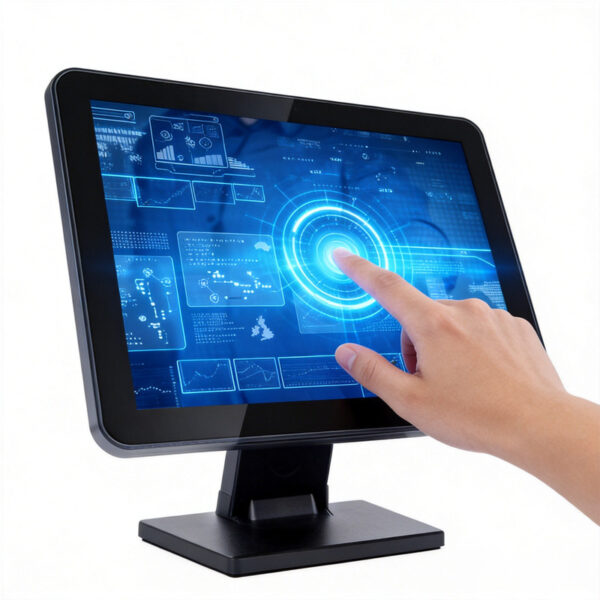
Which Screen Size Fits the Checkout Counter?
First, consider staff tasks and counter space. A 17-inch display may suit compact counters, while a 19-inch model offers a larger viewing area. However, the best choice depends on viewing distance and POS software layout.
Measure the installation area before ordering. Also, check the stand, wall bracket, cable path, and nearby peripherals. These steps help the wholesale POS touch screen fit neatly without obstructing payment devices or customer access.
How Does Capacitive Touch Support Daily Work?
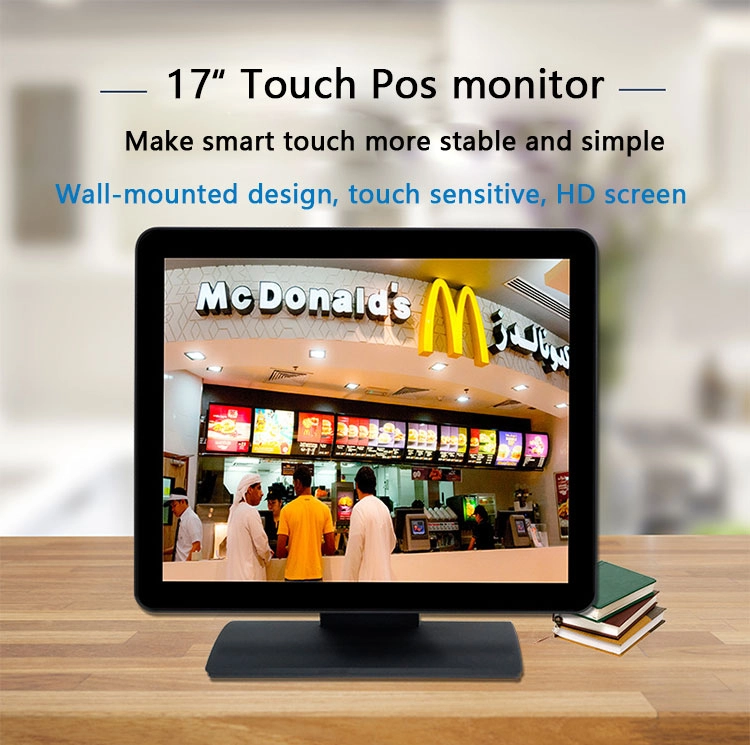
Cashiers open product menus, adjust quantities, review orders, and confirm payments. Therefore, responsive touch input can reduce unnecessary mouse movements. This monitor uses multi-point capacitive touch, supporting gestures when the host system and application recognize them.
Moreover, the HD display presents checkout menus and order details clearly. Its lightweight plastic housing also simplifies handling during installation. For retail projects, review the enclosure finish and mounting needs during sample evaluation.
Match Touch Features With the POS System
Before purchasing a POS touch screen, confirm compatibility with the host computer and intended software. Also, identify the required operating system, driver, and connection type. The product name indicates USB connectivity; however, buyers should confirm the exact ports and cable arrangement.
Which POS Touch Screen Mounting Options Suit Retail Layouts?
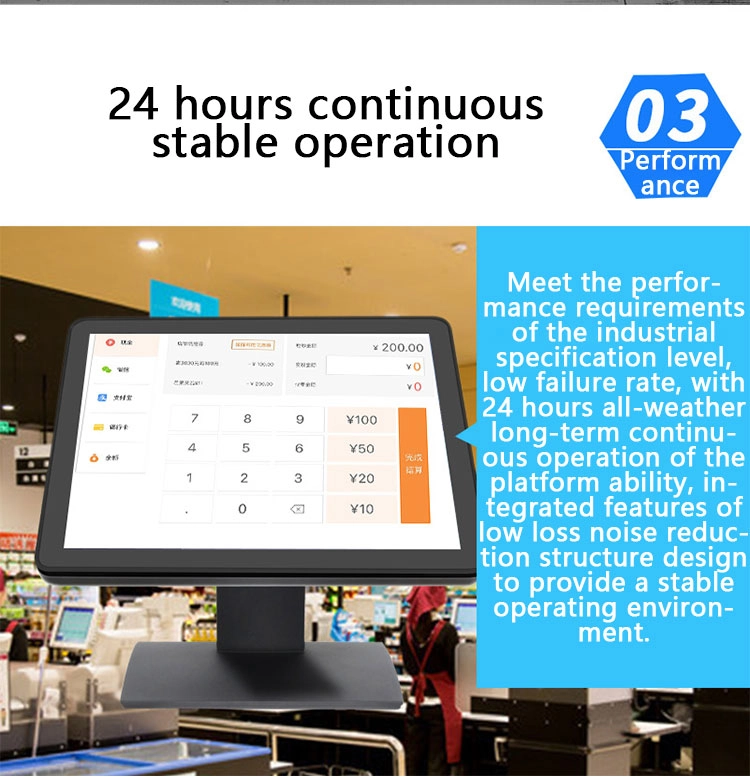
Space matters at checkout counters, cafes, and service desks. Therefore, a wall-mounted POS touch screen can free up counter space. Flexible mounting also gives installers more options for staff sightlines and customer-facing layouts.
However, verify bracket compatibility and mounting dimensions before installation. Meanwhile, keep the screen easy to reach and read. For self-service kiosks, assess touch height, user reach, and cable protection.
Explore Wholesale POS Touch Screen Models to review available sizes and configurations.
How Can B2B Buyers Evaluate Quality and Value?
For wholesale purchasing, unit price is only one part of value. Consistent production, clear specifications, responsive communication, and after-sales support also matter. Therefore, for each wholesale POS touch screen, request sample approval and written specifications before confirming a large order.
The supplier describes it for reliable twenty-four-hour operation. Even so, request test conditions and operating recommendations for continuous-use environments. Additionally, clarify warranty coverage, inspection procedures, spare-part availability, packaging, and lead times.
Power consumption, brightness, resolution, and interfaces affect deployment planning. However, the supplied details do not specify every value. Request a detailed datasheet before comparing suppliers or setting acceptance criteria.
Key Specifications and Compliance Checks
| Item | Available Product Information | What Buyers Should Confirm |
|---|---|---|
| Screen sizes | 17-inch and 19-inch options | Exact size and model code |
| Touch technology | Multi-point capacitive touch | Supported touch points and driver |
| Display | HD display | Native resolution and brightness |
| Housing | Lightweight plastic housing | Finish, durability tests, and sample quality |
| Connections | USB stated in product name | Full port list and cable requirements |
| Mounting | Wall-mounted and flexible mounting | Bracket pattern and accessories |
| Operating use | Listed for continuous operation | Test conditions and environmental limits |
| Certifications | Not specified in supplied details | Request applicable certificates and reports |
This table separates stated features from details requiring confirmation. Furthermore, request relevant compliance documents for the target market, including electrical safety or materials declarations where applicable. Confirm certification evidence before making compliance claims.
Read the POS Monitor Technical Guide to prepare compatibility and installation checks.
Q&A: Is This Wholesale POS Touch Screen Right for Your Project?
Q: Can this monitor support retail checkout?
Yes. This POS touch screen comes in 17-inch and 19-inch options for retail POS and interactive applications. First, confirm software compatibility, touch connection, and mounting needs.
Q: Is it suitable for limited counter space?
The wall-mounted design can preserve counter area. However, check bracket compatibility, viewing angle, and cable routing.
Q: What makes it practical for B2B buyers?
It combines capacitive touch, an HD display, lightweight plastic housing, and mounting flexibility. Therefore, it suits projects that value straightforward operation and cost-conscious procurement.
Q: What should wholesalers confirm before ordering?
Request the datasheet, sample, warranty terms, quality procedures, certificates, and delivery schedule. Finally, approve the exact model and configuration before placing a larger order.